How to stop talking too fast on camera (and set a teleprompter pace you can keep)
Published October 9, 2026 · 6 min read
To stop talking too fast on camera, measure your real pace, aim for roughly 130 to 160 words per minute, write short sentences with a pause marked after each one, and breathe before every new point. If you read from a teleprompter, set its speed a little below your natural pace so you are never chasing the text. Talkzy, a teleprompter app for iPhone and iPad, sets speed in words per minute, can follow your voice and, after a take, tells you if you ran faster than the speed you set.
Almost everyone speeds up when a red recording dot appears. Nerves shorten every pause, and the words arrive faster than the viewer can take them in. The fix is not to “try to talk slower” in the moment, which rarely works, but to change the setup so a steady pace is the easy option. This guide shows how.
Why do I talk faster when I record myself?
- Nerves. Adrenaline speeds up speech, and silence feels much longer to you than to the viewer.
- You know the material. You have said it ten times in your head, so it feels slow to you, and you hurry to get to the good part.
- The script is written for the eye. Long sentences with no natural breath point push you to say them in one go.
- You are afraid of going over time, so every take is a race against the clock.
A viewer cannot pause you to catch up. They can only watch at the speed you set, so a pace that feels slightly slow to you usually sounds clear and confident to them.
How do I find out how fast I really talk?
Feel is a poor guide, so measure it:
- 1Take 200 words of a real script and time yourself reading them aloud, the way you would on camera.
- 2Divide the word count by the minutes. 200 words in 1 minute 20 seconds is 150 words per minute.
- 3Do it again, this time recording a real take and timing only the speaking, not the pauses before and after.
Conversational English commonly sits somewhere around 120 to 170 words per minute. If your recorded number is above about 170, or you hear the words running together, that is the pace to work on. Our guide on words per minute has a table of how many words fit in each video length.
How do I slow down without sounding slow?
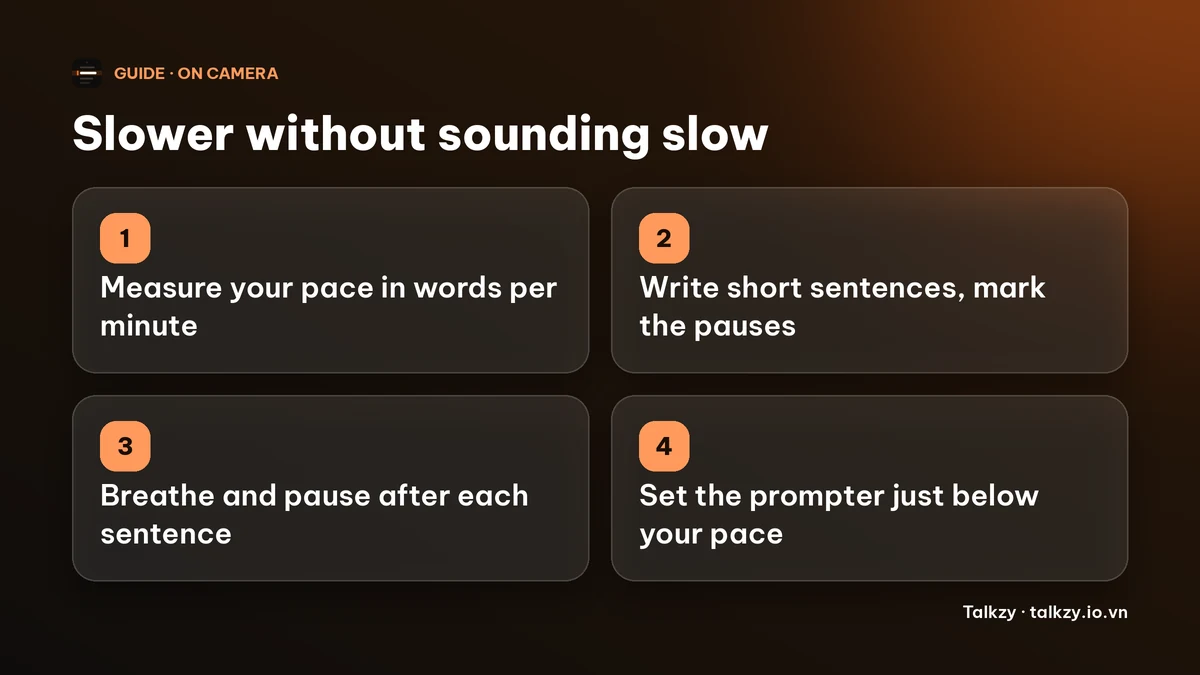
- 1Pause instead of slowing every word. Dragging each word sounds sleepy. Normal speed with a real pause at each full stop sounds calm. Aim for about a beat, roughly one second, between sentences and a little longer between points.
- 2Breathe at the end of every sentence. A breath is a free pause, and it keeps the voice from rising and tightening.
- 3Shorten the sentences. If you run out of air in the middle of a sentence, it is too long. Split it.
- 4Mark the pauses in the script. Put a line break after each sentence, or write “(pause)” where you want a beat. A script that looks like a poem reads like a calm talk.
- 5Stress one word per sentence. Choosing the important word forces a small change in pitch and speed, which breaks the monotone rush.
- 6Take a slow first sentence on purpose. The first ten seconds set the tempo for the rest.
- 7Record in short sections. A 20-second section is easy to keep calm; a 5-minute one is not. Our guide to recording in sections explains how to stitch them.
What teleprompter speed should I use?
A teleprompter that scrolls faster than you can speak makes you rush; one that scrolls much slower makes you wait and look hesitant. Set it a little below the pace you measured, and adjust between takes.
- If you measured 150 words per minute, start the prompter at about 135 to 140.
- Read one take, then check: did you run ahead of the text, or wait for it?
- Nudge the speed by 5 at a time until you are slightly ahead of the line rather than chasing it.
If a fixed speed fights you, let the text follow you instead. In voice-follow mode the script moves as you speak and waits when you pause, so you can take a breath without losing your place.
How do I check my pace after a take?
Watch the take back once with the sound on and one question in mind: could a stranger follow every word the first time? Then compare it with your target. You can do that with any timer and a word count, or let an app do it.
After a take, Talkzy’s speaking coach listens back on the device and shows your pace in words per minute next to the speed set for the script, with a short note such as “slow down a little” when you were noticeably faster. It also shows filler words and long pauses, so you can see all three on the same screen. Speech recognition is never perfect, so treat the number as a trend across takes rather than an exact reading.
Where Talkzy helps
Talkzy is a teleprompter for iPhone and iPad; it is coming soon to the App Store. These are the parts that matter for pace:
- Speed is set in words per minute, between 60 and 260, and you can change it while the script runs.
- Each script shows its word count and read time at that speed, so you can see before recording whether it fits.
- Voice-follow scrolls along as you speak and waits when you pause; speech recognition runs on the device.
- The speaking coach shows your pace, filler words and long pauses after each take.
Frequently asked questions
- What is a good speaking speed for a video?
- For most people, roughly 130 to 160 words per minute sounds relaxed and clear in English. Teaching and explainer videos sit at the lower end; fast, energetic clips at the higher end. The number matters less than whether a first-time viewer can follow every word.
- Why do I talk fast when I am nervous?
- Adrenaline speeds up breathing and speech, and your sense of time shrinks, so a one-second pause feels like five. Planned pauses and short sentences give your nerves somewhere to go.
- Should I just talk slower?
- Trying to slow every word usually sounds unnatural. It works better to keep a normal speed and add real pauses between sentences and points.
- Does the speaking coach send my voice anywhere?
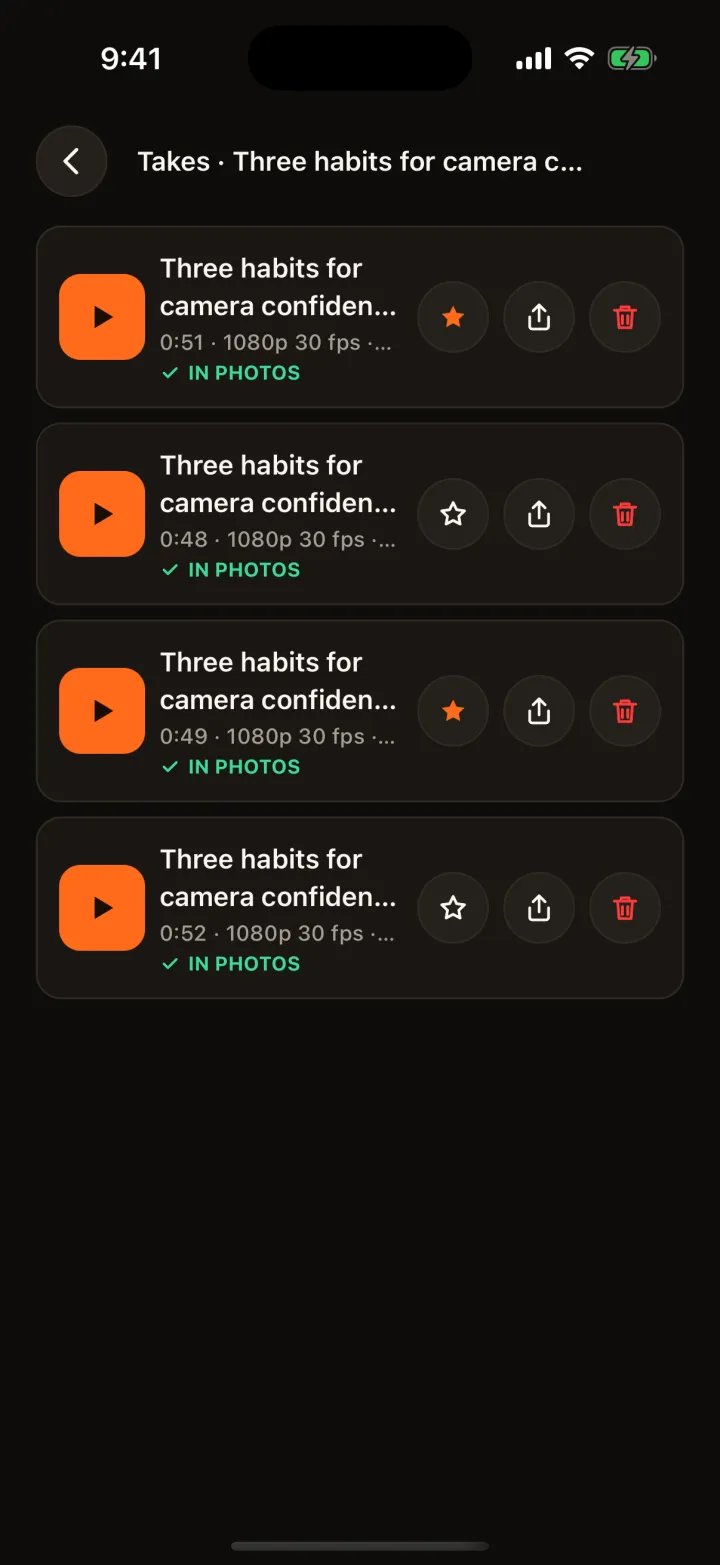
- No. It uses speech recognition on your iPhone or iPad, and your takes stay on the device and, if you choose, in your Photos.