How to feel confident talking to a camera (even if you hate being filmed)
Published October 1, 2026 · 6 min read
Confidence on camera mostly comes from preparation and repetition, not personality. Know your first sentence by heart, keep a script or notes close to the lens, record in short sections so a mistake costs seconds, and practise in low-stakes takes you never have to publish.
This guide breaks that into concrete steps: what to prepare, how to set up so nothing distracts you, how to warm up, what to do with your face and hands, and how to watch your takes back without being too hard on yourself.
Why does talking to a camera feel so hard?
In conversation you get constant feedback: nods, smiles, a reply. A lens gives you nothing, so your brain fills the silence with doubt. On top of that, you know the recording can be replayed, so every small slip feels permanent. Both are normal, and both get weaker with practice. Almost everyone who looks relaxed on camera felt awkward for their first dozens of videos.
How much should I prepare?
Enough that you never wonder what comes next, but not so much that you are reciting.
- Know your one point. If you can say what the video is about in one sentence, you can always find your way back to it.
- Learn the first sentence by heart. The start is where nerves peak, and a confident first line carries you into the rest.
- Keep the rest as a script or bullet notes placed right by the lens, so a glance is enough.
- Say it out loud two or three times before recording. Silent reading doesn’t count.
How do I set up so I’m not distracted?
- 1Put the camera at eye level, so you look straight ahead instead of down.
- 2Face a window or lamp. Good light makes you look better, and looking better makes it easier to relax.
- 3Turn on Do Not Disturb.
- 4If seeing your own face makes you self-conscious, cover the preview or use a setup where the screen shows only your script.
- 5Record alone at first, or with one person you trust standing behind the camera — talking to a real face helps many people.
How do I warm up?
A cold voice sounds flat. Spend two minutes before recording:
- Breathe slowly in through the nose and out through the mouth a few times, letting your shoulders drop.
- Hum, then say a few tongue twisters out loud to wake up your mouth.
- Say your first sentence three times with different emphasis and keep the one that sounds most like you.
- Stand up if you can. Standing gives your voice more energy and makes gestures easier.
What do I do with my face and hands?
Picture one specific person who would benefit from the video and talk to them through the lens. Let yourself smile at the start, blink normally and use the small gestures you would use at a café table. Keep your hands in the frame from waist height rather than hiding them. Speak a little slower and a little louder than in everyday conversation; on video, both read as confidence.
What if I make a mistake?
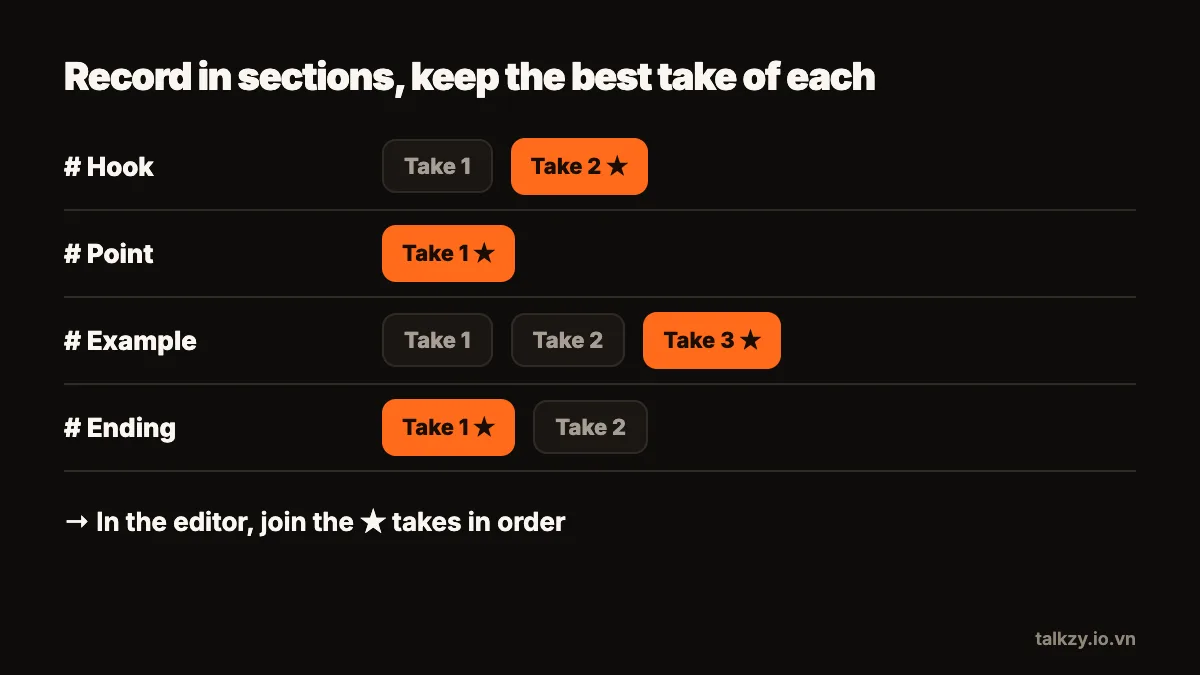
Pause, breathe, and start the sentence again. Don’t stop the recording — a second of silence is easy to cut, and keeping the camera running keeps your momentum. Record in short sections of thirty seconds to a minute, so a stumble only costs you that section. Viewers never see the retakes; they see the best version of each part.
How do I watch my takes without cringing?
Watch once for content, once for one thing to improve — eyes, pace or energy — and then stop. Picking a single improvement per session works better than listing every flaw. Keep your early practice takes private; their only purpose is to get the next one better. After ten or twenty short videos, most of the awkwardness fades on its own.
Where Talkzy helps
Talkzy keeps your script in a narrow column right under the front camera, so a glance at the words still looks like eye contact. Voice-follow scrolls as you talk and waits when you pause or restart a sentence, with speech recognition running on the device, so there is no speed to keep up with.
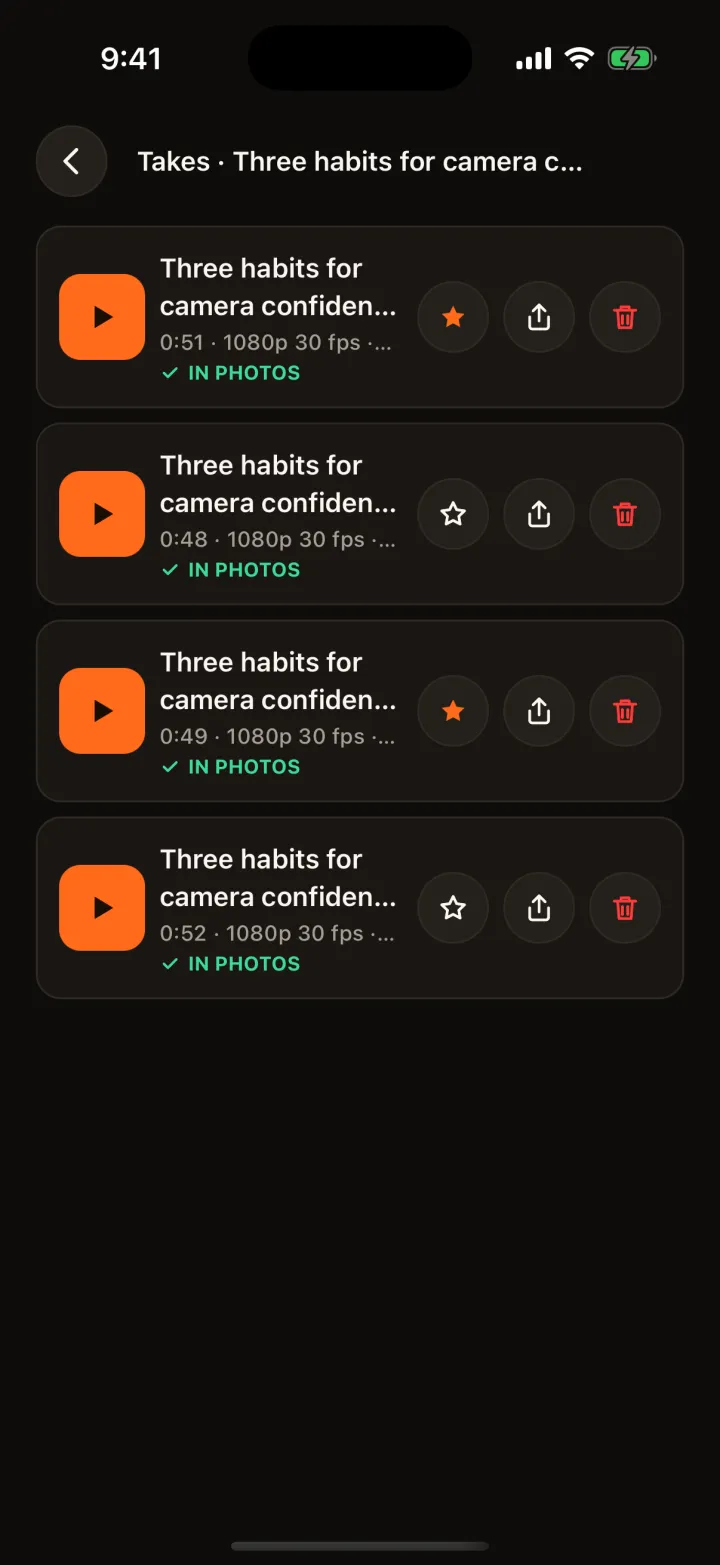
A line starting with # starts a section you can retake on its own, and every take is saved as its own clip, so practising in short, low-stakes takes and keeping only the best is built in. There’s no account to create, and your scripts and takes stay on your device.