How to stop saying um and uh when you speak
Published October 3, 2026 · 7 min read
To stop saying “um” and “uh”, first record yourself and count how often you say them, then practise replacing each one with a short silent pause, slow down a little, and know the first words of every part of your talk. Talkzy, a teleprompter app for iPhone and iPad, can count the filler words in each take for you and cut them out of a video, all on the device.
Filler words are not a character flaw. Everyone uses them when the brain is still choosing the next words and the mouth doesn't want to go quiet. They only become a problem when there are so many that listeners start counting them instead of following you. This guide shows how to find yours, how to practise with the apps already on your iPhone, and how to keep them out of a video you post.
Why do we say um and uh?
A filler fills the gap while you look for the next idea. It tells the listener “I'm not done yet”. The most common triggers:
- You don't know exactly what comes next, usually at the start of a new point or after a question.
- You're speaking faster than you can think, often because you're nervous.
- Silence feels awkward to you, even though to the listener a short pause sounds calm and confident.
- Habit words: “so”, “like”, “you know”, “basically” at the start of sentences work the same way as “um”.
The fix follows from the cause: know what comes next, slow down, and get comfortable with one second of silence.
How do I find out how many filler words I use?
You can't fix what you can't hear, and almost nobody hears their own fillers while speaking. Use your iPhone to listen back:
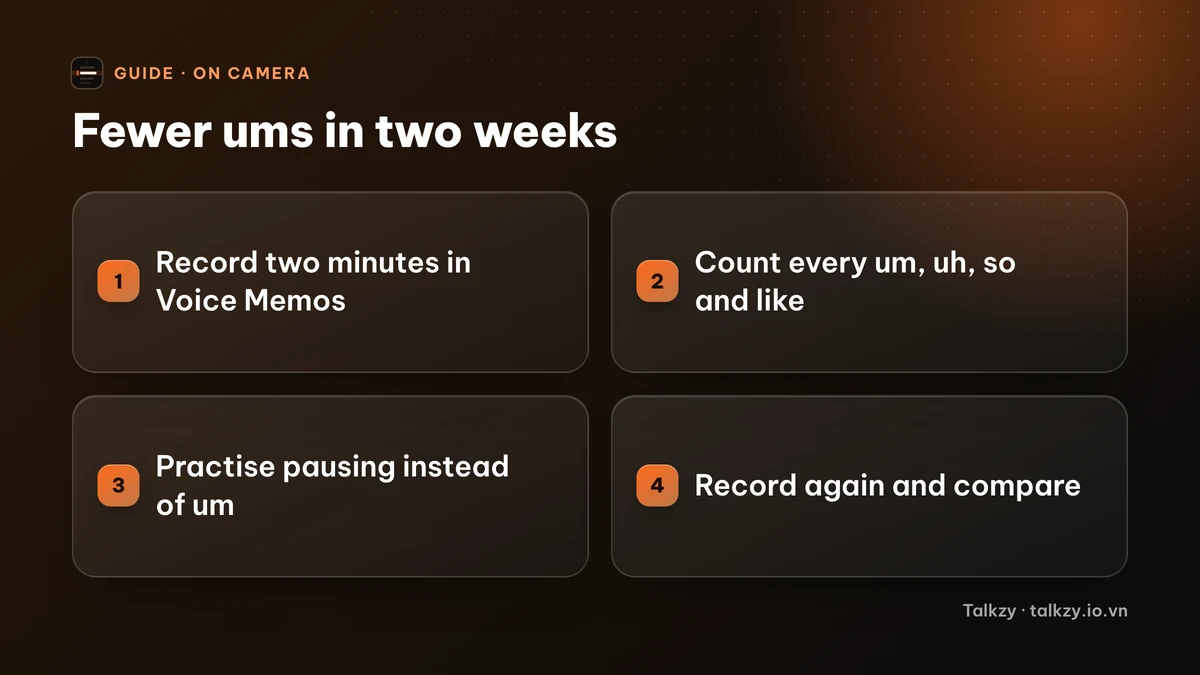
- 1Open Voice Memos and record two minutes of yourself talking about something you know well, without notes: your job, a recent trip, your project.
- 2Listen back with headphones and make a tally mark for every “um”, “uh”, “so” or “like”. Don't fix anything yet; just count.
- 3Divide by the minutes to get your rate. Write it down so you can compare next week.
- 4If your iPhone shows a transcript for the recording, scroll through it as well; fillers stand out on the page. Speech recognition does skip some of them, so trust your ears over the text.
Do the same for a video once: front camera, phone at eye level. On video you'll also notice the glance away or the nod that usually comes with a filler.
How do I stop saying um? Five drills that work
Practise these for a few minutes a day for a week or two. One at a time works better than all at once.
- 1The pause drill. Talk for one minute about any topic. Every time you feel an “um” coming, close your mouth and stay silent for a beat instead. It will feel long to you; on the recording it sounds natural.
- 2Slow down by 10–20%. Fillers multiply when your mouth runs ahead of your thinking. Speaking a little slower gives your brain the time the “um” was buying.
- 3Finish sentences with a full stop. Many fillers come from gluing sentences together with “and um”, “so uh”. End the sentence, pause, start the next one.
- 4Know your first words. Write the first sentence of each part of your talk and say it out loud a few times. Most fillers appear at the start of a new point, not in the middle.
- 5Record, count, repeat. Do the two-minute recording again every few days. Watching the number fall is what keeps you practising.
How do I avoid filler words in a presentation, a call or an interview?
- Presentations: rehearse out loud, not in your head, and practise the transitions between points; that's where fillers cluster. Our guide on practising a presentation at home has a full plan.
- Phone and video calls: it's fine to say “Good question, let me think” and then pause. That sounds more confident than a string of “ums”.
- Job interviews: prepare the first sentence of your answer to the usual questions, then answer in your own words.
- Videos: read from a script placed close to the camera lens, or record in short sections, so you never have to search for the next sentence on camera.
Don't aim for zero. A few fillers sound human; the goal is that nobody notices them.
Where Talkzy helps
Talkzy is a teleprompter for iPhone and iPad, and two of its tools are made for exactly this kind of practice:
- Speaking coach: after a take, tap Coach and Talkzy listens back on the device. It shows your words per minute, how many filler words you used and which ones came up most, your long pauses, and how closely you followed the script, with a score you can compare with last week. It counts sounds like “um” and “uh”, and Vietnamese fillers such as “ừm”, “à” and “ờ”.
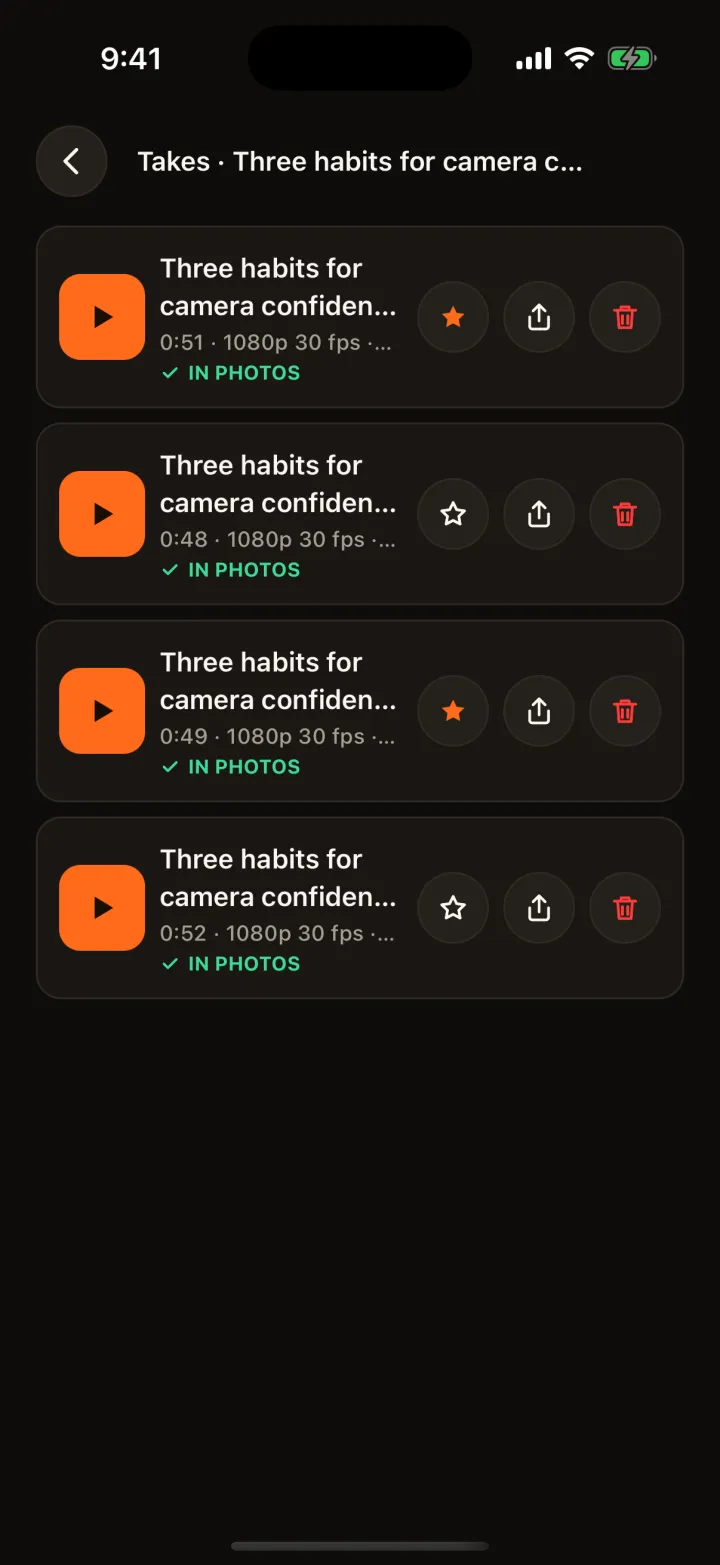
- Clean up a take: Talkzy finds the long pauses and filler words in a recording and cuts them out into a new take. You can preview the cuts and keep any you want; the original take is never changed.
- Reading from the script is itself a filler cure: the text scrolls right under the front camera, and with voice-follow it keeps your pace and waits when you pause, so you always know the next words.
Speech recognition runs on your iPhone or iPad; nothing is uploaded. Recognition can miss some fillers, so treat the count as a trend, not an exact number.
Frequently asked questions
- Is it bad to say um at all?
- No. An occasional “um” sounds natural, and listeners hardly notice it. It becomes a problem when it appears in almost every sentence, which is when people start hearing it instead of you.
- How long does it take to stop using filler words?
- Most people hear a clear drop after one or two weeks of short daily practice: a two-minute recording, a count, and the pause drill. The habit comes back under stress, so keep recording yourself before important talks.
- What should I say instead of um?
- Nothing. A short silent pause does the same job and sounds more confident. If you need more time, say it plainly, for example “Let me think about that for a second.”
- Does Talkzy upload my voice to count filler words?
- No. The speaking coach and the clean-up tool use speech recognition on your iPhone or iPad, and your takes stay on the device and, if you choose, in your Photos.