Should you film vertical or horizontal when you read a script? (iPhone guide)
Published November 16, 2026 · 4 min read
Before you press record, one choice decides the shape of the whole video: turn the phone upright (vertical, 9:16) or on its side (horizontal, 16:9). Pick the wrong one and you get black bars, a cropped face or a sideways clip, and with a script on screen it also changes how long each line is and where your eyes travel.
The short answer: film vertical for TikTok, Reels and YouTube Shorts, horizontal for regular YouTube videos, presentations and anything that will play on a computer or TV. This guide gives the reasoning, how to set up a script for each shape and how to avoid the common mistakes. It was written for iPhone, but the logic is the same on any phone.
Which one should you pick?
Decide by where the video will be watched, not by what feels comfortable in your hand.
- Vertical (9:16): TikTok, Instagram Reels, YouTube Shorts and phone-first stories. The video fills a phone screen. On a computer it shows with empty space at the sides.
- Horizontal (16:9): regular YouTube videos, webinars, lessons, talks and anything shown on a laptop, TV or projector. On a phone held upright it shows with black bars above and below, unless the viewer turns the phone.
- Both: you can crop a horizontal video down to vertical later, but you cannot make a vertical video wide without adding bars or blurry sides. If you are unsure and have room around you in the frame, horizontal gives you more options. If the video is only for short-form feeds, film vertical so you do not waste resolution on a crop.
Platforms change how they display video from time to time, so check the current upload guidance of the platform you post to.
What changes for a script when you turn the phone?
- Vertical: the lens is at the top, so the text can sit just below it, which keeps your eyes close to the camera. Lines are short, so use fewer words per line and a large font. This suits quick, punchy scripts.
- Horizontal: the lens is at the side of the screen, so text across the whole width pulls your eyes sideways, which is easy to spot. Narrow the text column and keep it on the side with the lens so that your eyes move less.
A script written in short sentences works in both shapes. A long, dense paragraph is the one that looks like reading in either.
How do you avoid a sideways or letterboxed clip?
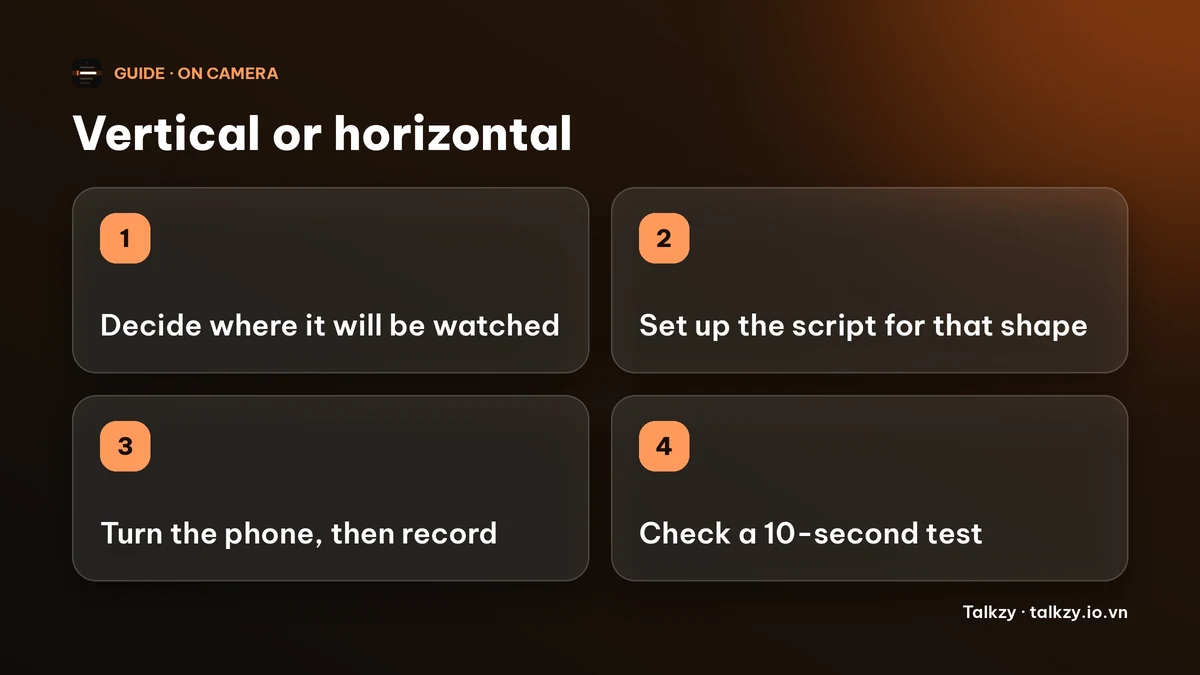
- 1Decide the shape first, then turn the phone, then press record. Do not rotate it during the take.
- 2Check that auto-rotation is not locked if you want to film horizontal. Open Control Center and look at the portrait orientation lock button.
- 3Film ten seconds, then watch it in Photos on the phone, and on a computer if it is going to play there.
- 4If the clip comes out the wrong way round or wrong shape, you can fix it in a video editor by rotating or by cropping. Cropping a horizontal clip to vertical loses the sides of the frame.
- 5If you may need both shapes, leave space around your head and keep the important things in the middle third of the frame.
How does Talkzy handle it on iPhone and iPad?
Talkzy for iPhone and iPad is on the App Store. On an iPhone the script list and the editor stay upright, and the prompter screen can turn to portrait or landscape. The prompter keeps your place when it turns. The recording orientation is fixed when a take starts and is not changed during it, and the file is saved upright, so it plays the right way up. Camera settings are remembered for each orientation. On an iPad every screen can turn.
Decide the shape and turn the phone before you tap record. If you want the other shape, finish or discard the take, turn the phone and start a new one. Takes are saved as separate files to Photos.
The prompter-only mode, free recording at 1080p and the mirror options do not need Pro. You never need Talkzy for this decision; the same rules apply to the Camera app.
Frequently asked questions
- Should I film vertical or horizontal for YouTube?
- Horizontal for regular YouTube videos, and vertical for YouTube Shorts. If you want both, film the long video horizontally and film separate vertical clips.
- Can I turn a horizontal video into a vertical one?
- Yes, by cropping, but you lose the sides of the frame. Going from vertical to horizontal is harder because there is nothing to the left and right.
- Why is my iPhone video sideways or has black bars?
- Usually the video shape does not match where it is shown, or the phone was rotated during recording. Choose the shape first, hold the phone steady and test ten seconds.
- Does Talkzy record in portrait and landscape?
- Yes. The orientation is locked when a take starts and the file is saved upright.
- Which is easier for reading a script?
- Vertical puts the text close to the lens with short lines. In horizontal, keep the text column narrow and near the lens side.