How to mark up a script for pauses and emphasis (so you sound natural reading it aloud)
Published October 31, 2026 · 6 min read
To mark up a script for pauses and emphasis, use three marks and no more: a slash (/) where you pause or breathe, a double slash (//) for a longer beat, and an underline or CAPITAL letters on the one word in a sentence you want to stress. Then break the text into short lines at the pauses and read it aloud once with the marks.
Voice-over coaches have marked scripts like this for years, and it works for any script you read on camera. This guide shows the marks, how to apply them in five minutes, and how to type them into a plain-text script, whether or not you ever use an app.
Why mark a script at all?
Written sentences carry no breathing. When you read one straight off the page, you tend to run it together and give every word the same weight, which is what listeners hear as flat or rushed. A few marks tell your eyes in advance where the voice will rest and which word carries the point.
Keep the system small. A script covered in symbols becomes harder to read under pressure than plain text, so choose a handful of marks and use them the same way every time.
Which marks should I use?
- / (one slash): a short pause or a breath, about as long as a comma.
- // (two slashes): a longer beat, such as before the answer to a question or after a key number.
- Underline, or CAPITALS, on one word per sentence: the word you lean on. Capitals are handy when you type, because they survive in any editor.
- A blank line between thoughts: a bigger reset, like a new paragraph.
- A note in the margin or in brackets for a hard word, such as how to say a name.
There is no standard notation for reading on camera, so your own consistent system is fine. Example: “We tried it for ONE week / and the result // surprised us.”
How do I mark up a script in five minutes?
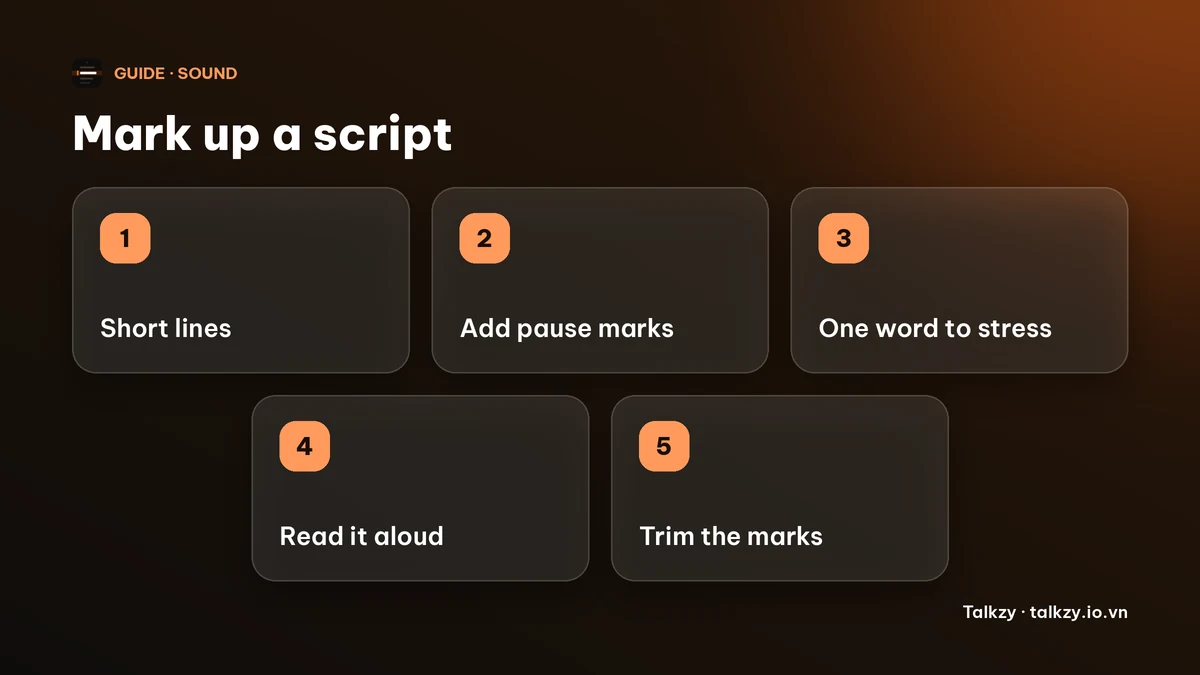
- 1Break the text into short lines. Start a new line wherever you would naturally pause. Aim for lines you can say in one breath.
- 2Add a slash at pauses that fall inside a line, and a double slash before and after the idea you most want heard.
- 3Pick one word per sentence to stress. If everything is stressed, nothing is. Often it is the new information, not the verb.
- 4Read the script aloud with the marks, at the pace you plan to use. Mark again where you ran out of air or tripped.
- 5Trim. Delete marks you no longer need. After a read or two your voice remembers the shape and you need fewer.
Where should the pause go?
- Before the important word or number, not only after it. A short silence before a key word makes the listener lean in.
- After a question, long enough for the viewer to think of an answer.
- Between a list of items, so each one lands.
- At a breath. If a sentence is longer than you can say in one breath, split it, in the script, rather than gasping on camera.
Pauses feel longer to you than to the viewer. If a pause feels slightly too long when you practise, it is usually about right on the recording.
How do I type pauses into a plain-text or teleprompter script?
Paper marks do not carry over to a text editor, so use characters that do. A slash and a double slash are just text, CAPITAL letters stay capital, and a line break is the simplest pause of all because it is also a visual cue to breathe.
- Put each phrase on its own line instead of writing long paragraphs.
- Use / and // sparingly, inside the line, where a line break would split a phrase that belongs together.
- Leave a blank line between thoughts.
Keep marks short and few, because on a teleprompter the symbols are read at a glance and every extra character is something your eye must skip.
Setting it up with Talkzy for Mac
Talkzy for Mac is a slim script bar that hangs from the MacBook’s notch, or sits top-centre on a display without one, and stays on top of other windows. It is on the Mac App Store for macOS 14 or later. Scripts are plain text, and the bar shows your lines as you typed them, so the line-break method above carries over directly.
- Marks such as / and // are shown as plain text, and they do not count as words in the word count or read-time estimate, because a word needs at least one letter or digit.
- An empty line becomes a small gap in the bar, a visual breather between thoughts.
- A line starting with # (or a line alone in [brackets]) becomes a small section label that counts no words, so you can mark where each part starts.
- Timed mode scrolls at a speed you choose, from 60 to 260 words a minute. Slow it down if your pauses make you fall behind.
Talkzy adds no pause or emphasis formatting of its own. The marks are yours. The iPhone and iPad app is coming soon to the App Store.
Frequently asked questions
- How do I mark pauses in a script?
- Put a slash (/) where you want a short pause or breath and a double slash (//) for a longer one, or break the text into a new line at each pause. Keep to a few marks and use them consistently.
- How do I show emphasis in a script?
- Underline, or type in CAPITAL letters, the one word in a sentence you want to stress. Stressing one word per sentence works better than stressing many.
- How long should a pause be when reading a script?
- A slash is about as long as a comma, a double slash a little longer. A pause that feels slightly too long to you usually sounds right to the viewer, so test it on a recording.
- Should I put pause marks in a teleprompter script?
- Yes, but sparingly. Line breaks at the pauses do most of the work, and a few slashes or capitals cover the rest. Too many symbols slow your reading.