How to stop stumbling over words when you read a script out loud
Published October 19, 2026 · 5 min read
You usually stumble over words when you read because the script was written to be read with the eyes, not said with the mouth, or because you read faster than your mouth can keep up with. The fix is mostly on the page: rewrite the lines that trip you into short, spoken sentences, mark the hard spots, slow your pace and rehearse in small pieces, then record in sections so one slip does not cost the whole take.
None of this needs special software. The steps work with paper, a notes app or any teleprompter.
Why do you stumble when you read aloud?
Reading silently and reading aloud are different jobs. Your eyes run ahead of your mouth, and when a sentence is long or has an awkward word, your mouth falls behind and trips.
- The script sounds written. Long sentences, stacked clauses and formal words are easy to read silently and hard to say.
- Awkward sound clusters. Several similar sounds in a row make almost everyone slip.
- Pace. If you push the speed to finish quickly, your mouth makes more errors.
- Nerves. A camera makes simple words feel harder, and one slip makes the next one more likely.
Step 1: read the script aloud once, with a pen
Before you record, say the whole script out loud at normal speed and mark every place where you hesitate, repeat a word or run out of breath. Those marks, not your general feeling, tell you what to fix.
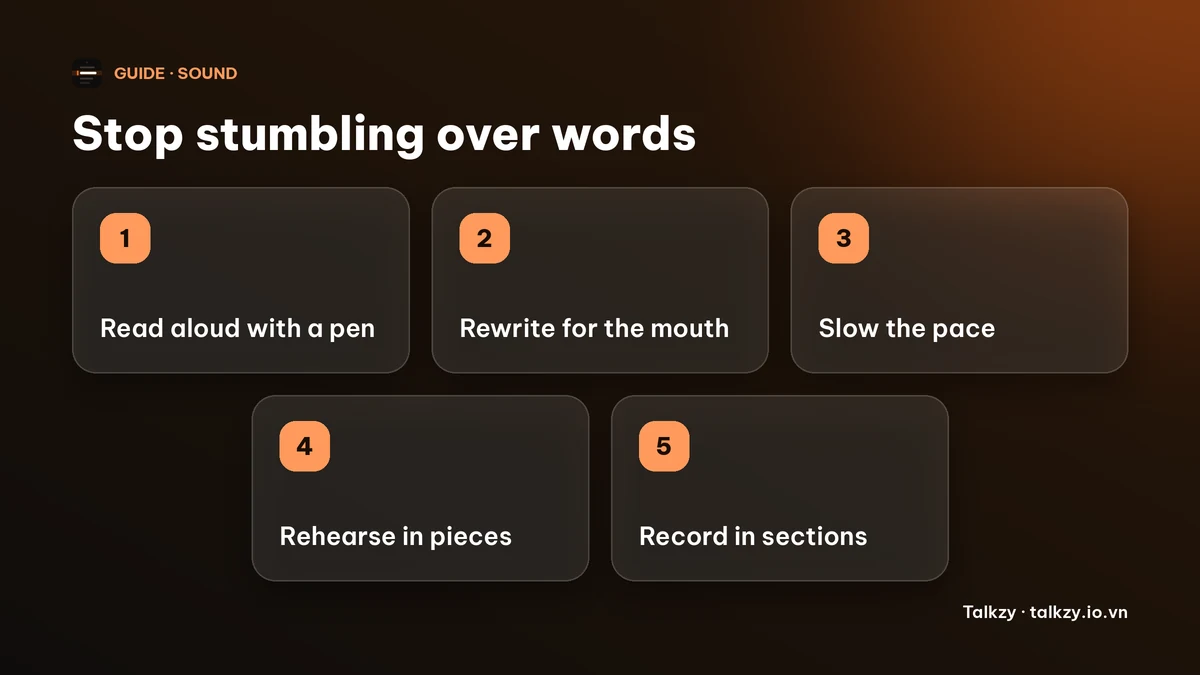
Step 2: rewrite the marked lines for the mouth
- Split long sentences in two. One idea per sentence is easier to say in one breath.
- Swap hard words for easier ones with the same meaning. If you trip on a word every time, it is the script’s problem, not yours.
- Use contractions and everyday phrasing, the way you would say it to a friend.
- Put a line break where you want to breathe, so you do not have to find a pause in the middle of a sentence.
Step 3: slow down more than feels natural
Most slips come from speed. Aim a little slower than your normal talking pace, and let the end of each sentence land before you start the next. If you need a target, our guide on talking too fast on camera explains how to find a pace you can keep.
Step 4: rehearse the hard spots in small pieces
Do not run the whole script again and again. Take only the sentences you marked, and say each one slowly three or four times until it is boring. Then say it at normal speed, then read it in context with the lines around it.
A trick for stubborn phrases: say them slowly with exaggerated mouth movements, then at normal speed. Your mouth learns the movement, not just your eyes.
Step 5: record in sections and keep the recovery easy
When you do slip, stop for a beat, take a breath and restart the sentence or the section instead of pushing on with a mistake. Plan your edits for the places where you paused.
Splitting the script into sections of a few sentences each means a slip only costs you one short retake. See the guide on recording a video in sections for how to do that.
Where Talkzy helps
Talkzy for Mac is a script bar that hangs from the MacBook’s notch, or sits top-centre on a display without one, and stays above other windows without taking focus. It is on the Mac App Store for macOS 14 or later.
- Set the speed between 60 and 260 words per minute in steps of 5, and lower it while you rehearse a hard passage.
- Global shortcuts work while another app has focus. By default ⌃⌥⌘P plays or pauses, ⌃⌥⌘- slows down, ⌃⌥⌘R restarts, ⌃⌥⌘↑ goes back a line and ⌃⌥⌘← and ⌃⌥⌘→ move between sections. You can change them in Settings.
- Start a line with # in your script to make a section, so you can jump back to the start of the one you flubbed.
- The bar, the shortcuts and timed scrolling are free; voice-follow is free for 3 sessions a day, and Pro removes the limit. The on-bar section chips are a Pro feature, while the section shortcuts stay free.
The iPhone and iPad app is coming soon to the App Store.
Frequently asked questions
- Why do I stumble over words when I read a script out loud?
- Usually because the script is written for the eyes rather than the mouth, or because you are reading faster than your mouth can keep up. Nerves make both worse. Rewriting the lines that trip you and slowing down fixes most of it.
- How do I stop tripping over difficult words in a script?
- Mark the places you trip when you read aloud, replace hard words with easier ones where you can, and rehearse the remaining phrases slowly in small pieces before you read them at normal speed.
- Does a teleprompter help you stumble less?
- It can, because you do not lose your place, but it does not fix a script that is hard to say. Rewrite the script for speaking and set a pace you can keep first.
- What should I do when I make a mistake while recording?
- Pause, breathe and restart the sentence or section. Recording in short sections keeps a mistake from costing you the whole take.