How to read a toast or short speech from your phone without staring at it
Published November 8, 2026 · 5 min read
To read a toast or short speech from your phone without staring at it, put the text in large type with one idea per line, hold the phone at chest height with a steady hand, keep the screen awake, and practise until you only need to glance down. Look up at the end of each line, not in the middle of it.
This guide covers the text, the hold, the practice and the awkward moments. It works with any notes app; the last section says where a teleprompter app can help and where it cannot.
Is it okay to read a toast from my phone?
Yes. Most guests care about warmth and brevity far more than whether you memorised it, and a phone is easier to keep in your hand than a folded page that shakes. The risk is not the phone; it is a face that stays pointed at it. The aim is to read in short glances and say the important lines to people.
Two practical points: turn on Do Not Disturb so a message does not cover your text, and set the screen to stay on for the length of the speech, because the phone locking mid-sentence is the classic disaster.
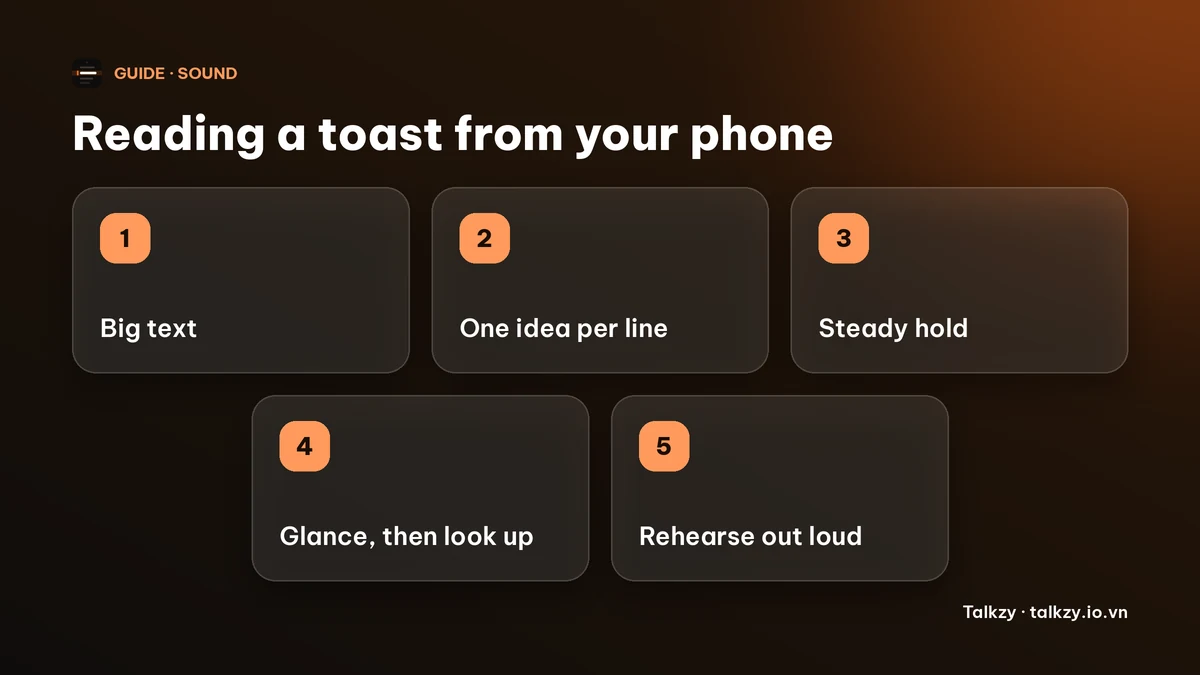
How should I format the text?
- Use large type, bigger than looks sensible at arm’s length. You want to read it in a glance at chest height without squinting.
- One idea per line, with a blank line between paragraphs. A new line is a place to look up.
- Write the way you talk: short sentences and contractions. Say it aloud while you write.
- Put the names, dates and punchline on their own lines so you never have to search for them.
- Mark the pauses with a slash or an empty line. The pause-marking guide shows how.
- Keep it short. Many toasts work well in two to three minutes, but follow the time the host asks for.
How do I hold the phone so I can still look at people?
Hold it at chest height, with your elbow against your body, so a glance down is small. Use one hand and keep the other free to hold a glass. Raising the phone to your face hides it from you and hides your face from the room, so avoid it.
If there is a lectern, rest the phone on it. In a dim room, turn the brightness up and use light text on a dark background or the reverse, whichever you tested as easiest to read there.
How do I look up without losing my place?
Read a line in a glance, then look up and say it. Keep your thumb or finger beside the line you are on, and scroll one line at a time rather than letting it run. If you lose your place, pause, look down, find the last name or date you said and carry on; a silence of a couple of seconds feels longer to you than to the guests.
The guide on not losing your place has more on this.
How should I practise?
- 1Read the toast aloud from the phone, standing, at least three times, and time one of them.
- 2Mark every line you stumbled on and rewrite it.
- 3Do one run in front of a friend or a mirror, looking up at the end of each line.
- 4Do a last run in the clothes and with the glass you will have on the day.
Aim to know the opening and the ending nearly by heart. They are when everyone is looking at you.
Where can a teleprompter app help?
Talkzy’s iPhone and iPad app has a prompter-only mode, which shows your script as large text with no camera. It is free. You can set the text size (24 to 120 pt), choose manual scrolling so the text moves only when you drag it, or timed scrolling at a speed from 60 to 260 words per minute, and the screen stays awake while the prompter is open. It is on the App Store.
Talkzy follows your script text, so it will not write the toast for you, and it is no substitute for rehearsing. Voice-follow is free for 3 sessions a day and Pro removes the limit, but for a toast manual mode is usually the simplest and the safest, since it never moves on its own. Any notes app with big type and the screen kept on does the same job.
Frequently asked questions
- Is it rude to read a toast from your phone?
- Usually not. What people notice is whether you look at them. Use large text, glance down in short bursts and say the key lines to the room.
- How do I stop my phone locking during a speech?
- Turn on Do Not Disturb and set Auto-Lock to a longer time in Settings before the event, or use an app that keeps the screen awake while it shows your text. Test it by leaving the screen untouched for a few minutes.
- What size text should I use?
- Larger than you think. You should be able to read it at chest height in a single glance. Test it in the room’s lighting.
- Should I memorise a toast instead?
- Memorise the opening and the ending, and keep the rest on your phone. It is a safety net if nerves empty your head.
- Can Talkzy write my toast?
- No. Talkzy shows and scrolls the script you write. It does not generate a toast for you.