How to use a PDF as a teleprompter script on iPhone or iPad
Published November 9, 2026 · 5 min read
To use a PDF as a teleprompter script on iPhone or iPad, you need the text out of the PDF and into a teleprompter app that re-flows it as large type. Open the PDF from Files or Mail, share or import it into the app, then read the result before you record, because PDF text can come out with broken lines or the wrong order.
This guide covers why a PDF is a poor thing to read from directly, how to import one, what to fix afterwards, and what to do with a scanned PDF that has no text at all.
Why not just read the PDF itself?
A PDF is a fixed page. It does not re-flow, so on a phone you either pinch and pan around a tiny page or read lines cut off at the edge. It cannot scroll at a steady speed, it has no big-type mode and you cannot mark where to pause.
A teleprompter app turns the words into one column of large text that scrolls. That is the whole point of getting the text out of the PDF.
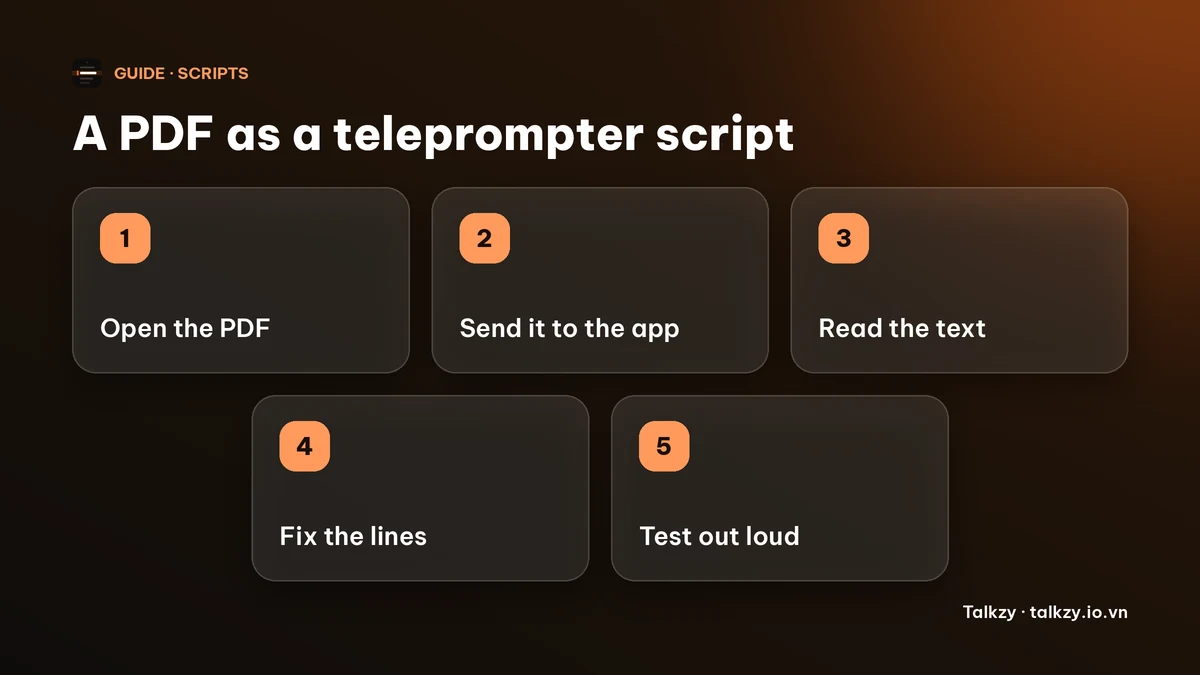
Step 1: check that the PDF has real text
Open the PDF in Files or Preview and try to select a word with a long press. If you can select and copy words, the PDF has text and an app can read it. If the whole page highlights as one picture, it is a scan or a photo of a page, and no text can be read from it.
For a scan, retype the script or use a scanner or OCR tool first. Apple’s Notes can scan documents and recognise text in them, but the menu names depend on your iOS version, so check what your phone offers.
Step 2: get it into the teleprompter
There are two common routes. Either open the teleprompter app and use its import button to pick the file from Files, or open the PDF first and use Share to send it to the app. A PDF opened from Mail or Safari can usually be saved to Files first so that you can find it again.
If the PDF is a page of a longer document, copying the text and pasting it into the app is often quicker than importing the whole file.
Step 3: fix what the import breaks
Reading text out of a PDF is imperfect. Whatever app you use, read through the result once and look for:
- Lines cut in the middle of a sentence, because the PDF stored each printed line separately. Join them back into sentences.
- Two-column pages read in the wrong order, with a line from the left column followed by one from the right. Put the columns in order.
- Page numbers, headers, footers and footnote marks that end up in the middle of the script. Delete them.
- Bullets and tables that become strings of fragments. Rewrite them as sentences you would actually say.
Then split long sentences, one idea per line, so you can see where to breathe. The guide on writing a script for a teleprompter has more on that.
Step 4: set the text and test it
Make the text big enough to read at your distance and set a pace you can keep. Read the first minute out loud before you record, because a script written for the eye often sounds stiff when spoken. The font-size guide shows how to size the text.
How Talkzy imports a PDF
Talkzy for iPhone and iPad can import .pdf, .docx, .txt, .md and .rtf files, or you can paste text. Importing is free. The app reads the PDF’s text with Apple’s PDFKit and puts it in a new script named after the file, and the code itself notes that the column order can come out wrong on complex layouts, so check the text in the editor before you read it aloud.
You can also share a PDF to Talkzy from Files, Google Docs or Safari, where Talkzy is offered as an option. Talkzy cannot read a scanned PDF that contains no text. A line starting with # becomes a section, which is useful for splitting a long script.
Prompter-only mode, mirroring and manual scrolling are free. Voice-follow is free for 3 takes a day and Pro removes the limit. Talkzy for iPhone and iPad is on the App Store.
On a Mac, Talkzy imports .txt, .md, .rtf and .docx but not PDF, so there copy the text out of the PDF and paste it into a new script, or save it as a Word file first.
Frequently asked questions
- Can I use a PDF as a teleprompter script?
- Yes, if the PDF contains real text. Import it into a teleprompter app that supports PDF, or copy the text and paste it. Then fix broken lines and reading order before you record.
- Why is the text from my PDF in the wrong order?
- PDFs store text as positioned pieces, not as paragraphs, so columns and tables can be read in the wrong sequence. Put the text in order by hand after importing.
- Can a teleprompter read a scanned PDF?
- Not unless the scan has been run through text recognition. If you cannot select words in the PDF, retype it or scan it to text first.
- Does Talkzy import PDFs on Mac?
- No. Talkzy for Mac imports .txt, .md, .rtf and .docx. On a Mac, copy the text from the PDF and paste it, or use Talkzy on iPhone or iPad, which imports PDF.